Official APT Repository
TDE & Linux Native
x86_64

Task Manager v1.2

Advanced Task Manager & System Performance Monitor for Trinity Desktop Environment (TDE) and Linux systems.

Method 1: Add the APT Repository (Recommended)

Add the official repository to your system to receive regular automated updates via apt:

echo "deb [trusted=yes] https://seb3773.github.io/taskmgr/ stable main" | sudo tee /etc/apt/sources.list.d/taskmgr.list
sudo apt update
sudo apt install taskmgr

Compatible with Q4OS, Debian, Devuan, Ubuntu, Linux Mint and all Debian-based distributions.

Method 2: Direct Package Download (.deb / .qsi / .AppImage)

Choose the package format best suited for your distribution:

Debian / TDE (.deb) Recommended

Standard dynamically linked build for Trinity Desktop / Debian-based systems.

Download .deb
Q4OS Installer (.qsi) Q4OS 1-Click

Graphical one-click installer designed specifically for Q4OS Trinity desktop.

Download .qsi
Standalone Portable (.AppImage) Universal x86_64

Self-contained portable executable with bundled dependencies (runs on any distro).

Download AppImage

* Note: The Q4OS installer (.qsi) automatically configures the APT repository during installation for future updates.

Key Capabilities & Architecture

Process Tree & Memory (PSS)
Virtual tree hierarchy, fast signal sending, priority controls, and SSE2 SIMD-accelerated Proportional Set Size (PSS) analysis.
📊
Real-Time Performance Graphs
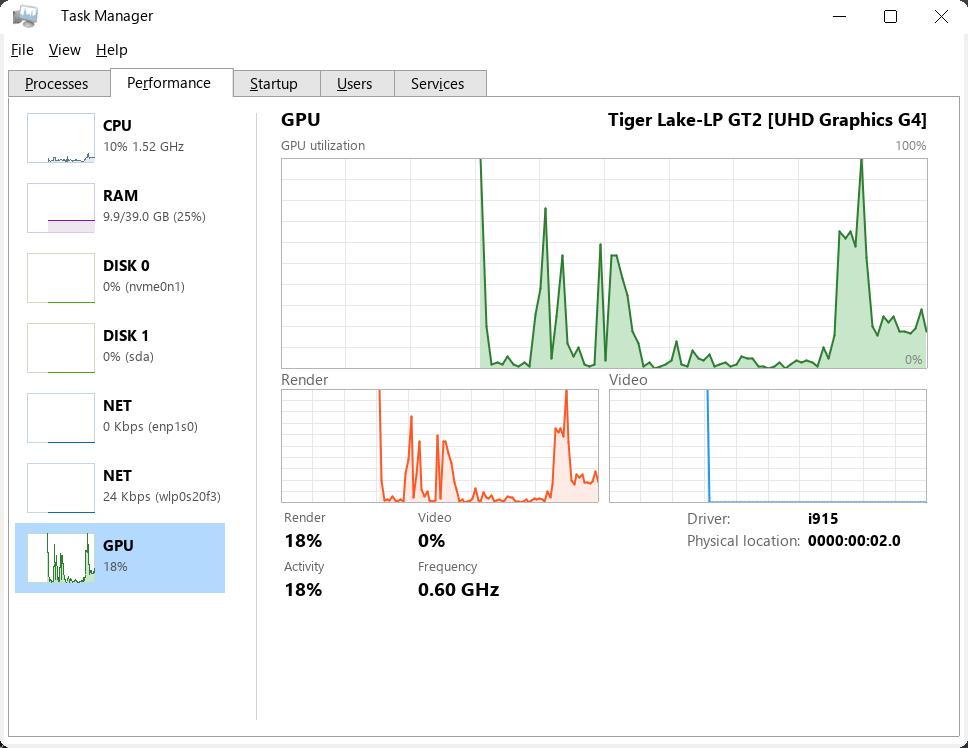
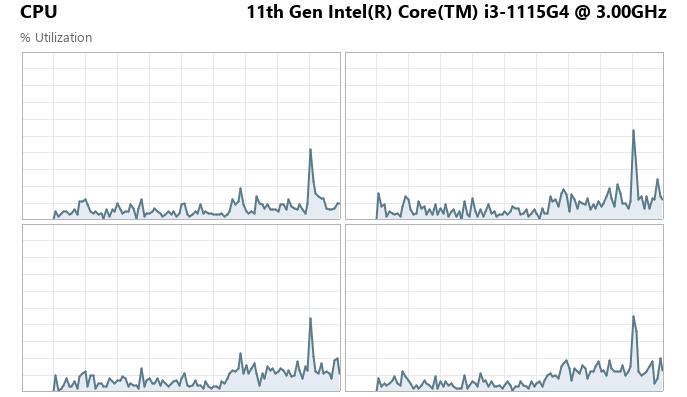
Smooth scrolling anti-aliased graphs for CPU (total & per-core), RAM, Swap, Disk I/O, Network, and GPU activity with Compact Mode.
🚀
Startup Applications Manager
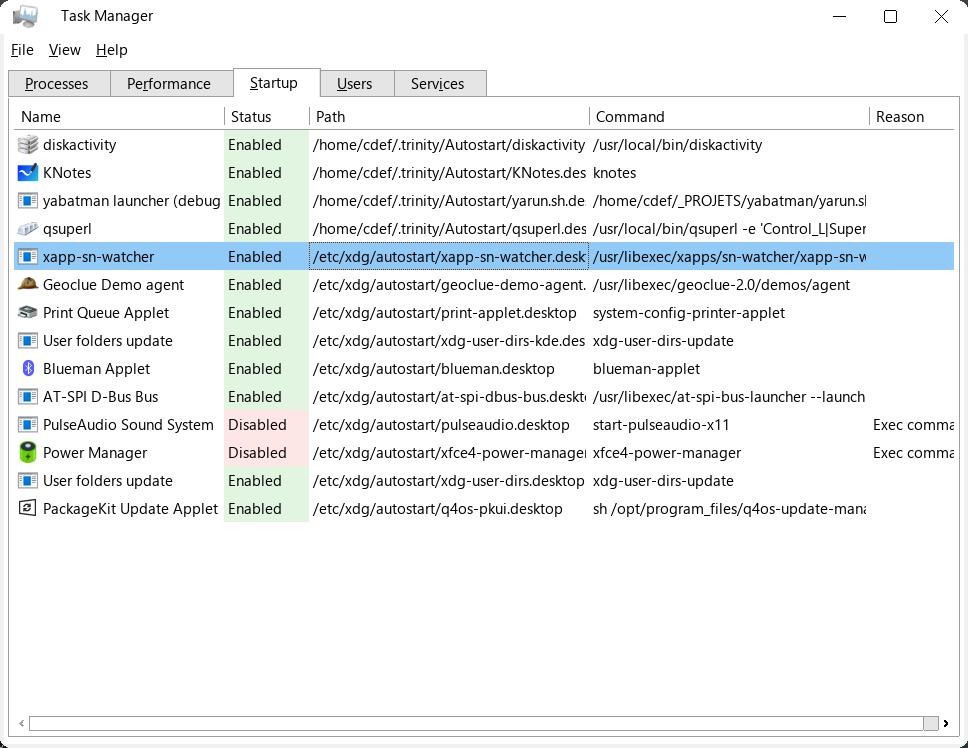
Manage autostart applications for standard XDG autostarts as well as native Trinity Desktop (TDE) conditional launches.
Scheduled Tasks & Cron
Inspect, toggle, run, edit, and delete cron jobs and system scheduled scripts with instant crontab save synchronization.
⚙️
Systemd Services Control
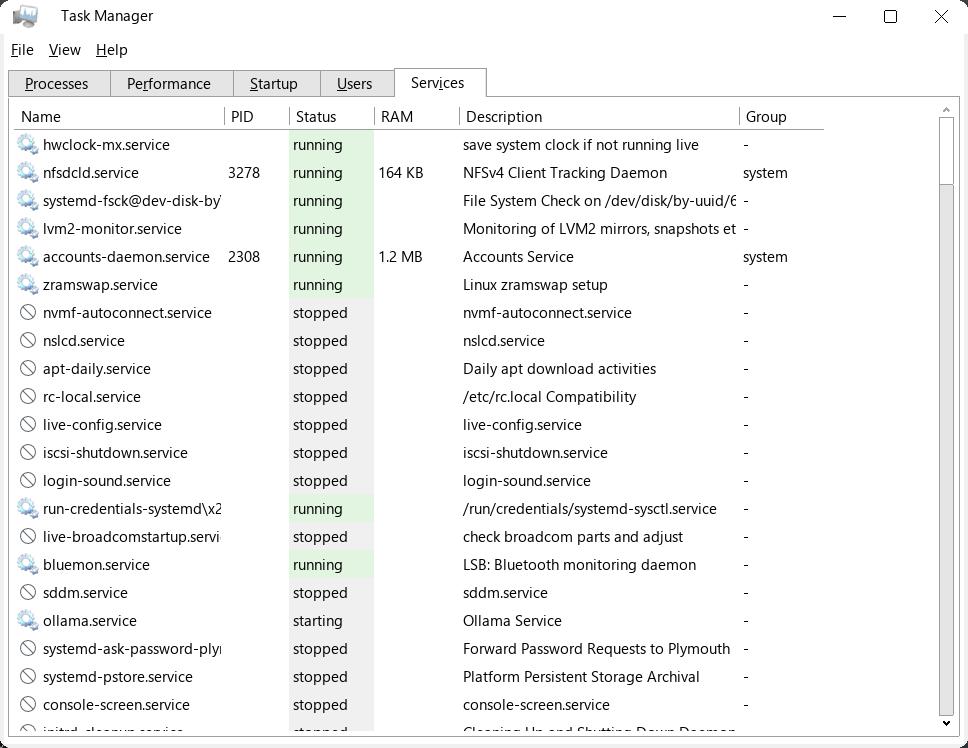
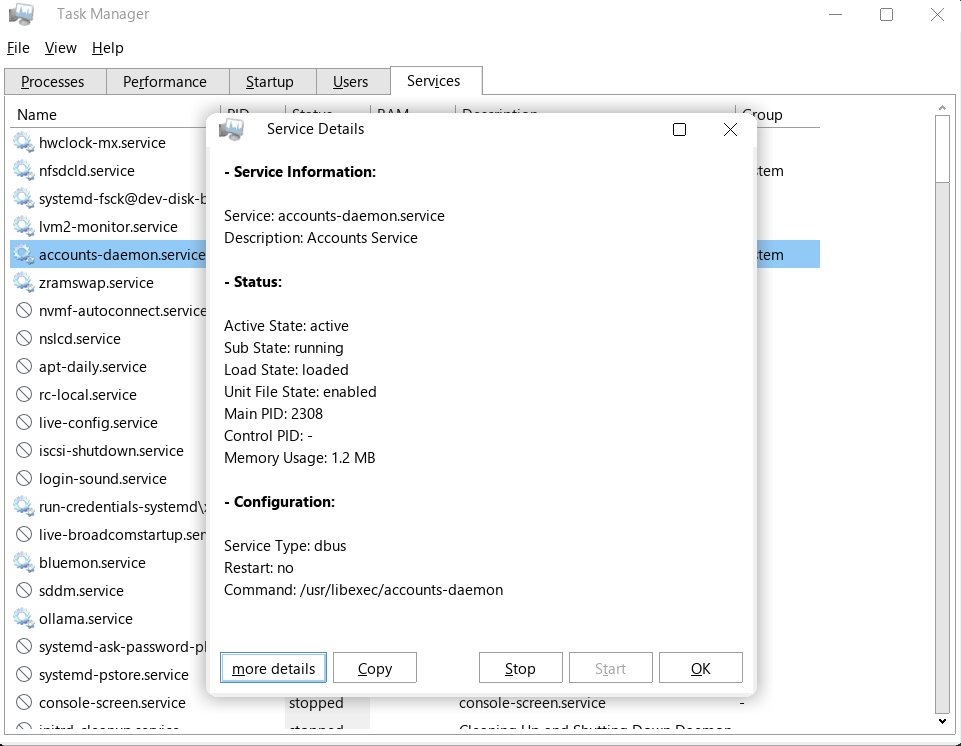
Inspect, start, stop, restart, enable, or disable systemd services with ephemeral root elevation support.
👥
Users & Sessions Monitor
Track connected users and their session resource consumption with one-click user disconnect functionality.

Screenshots

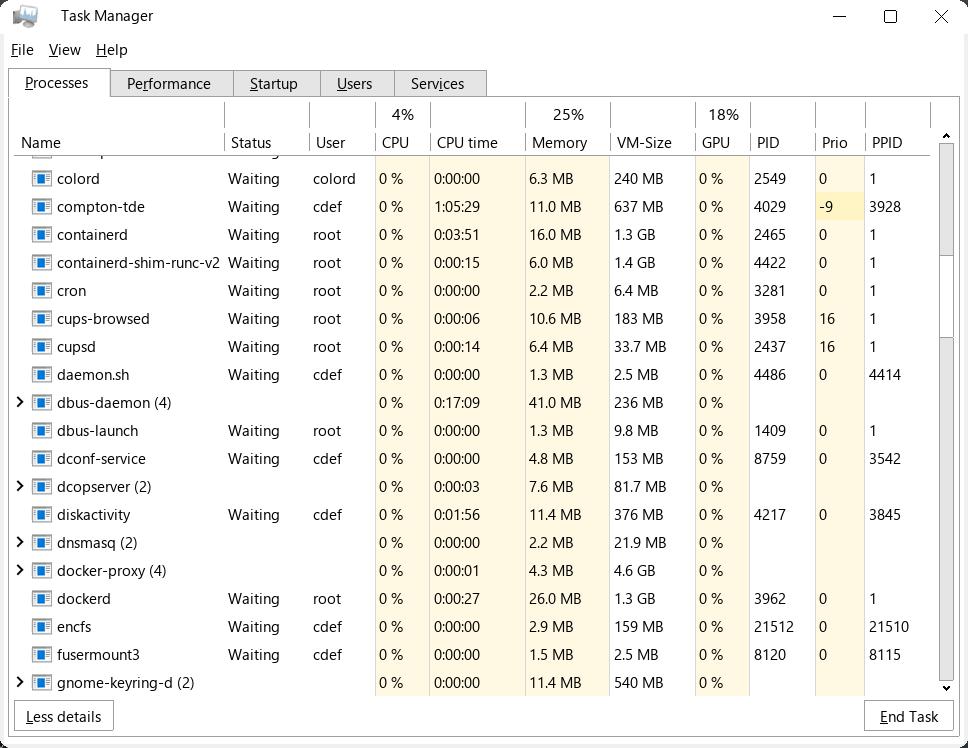
Processes Tab
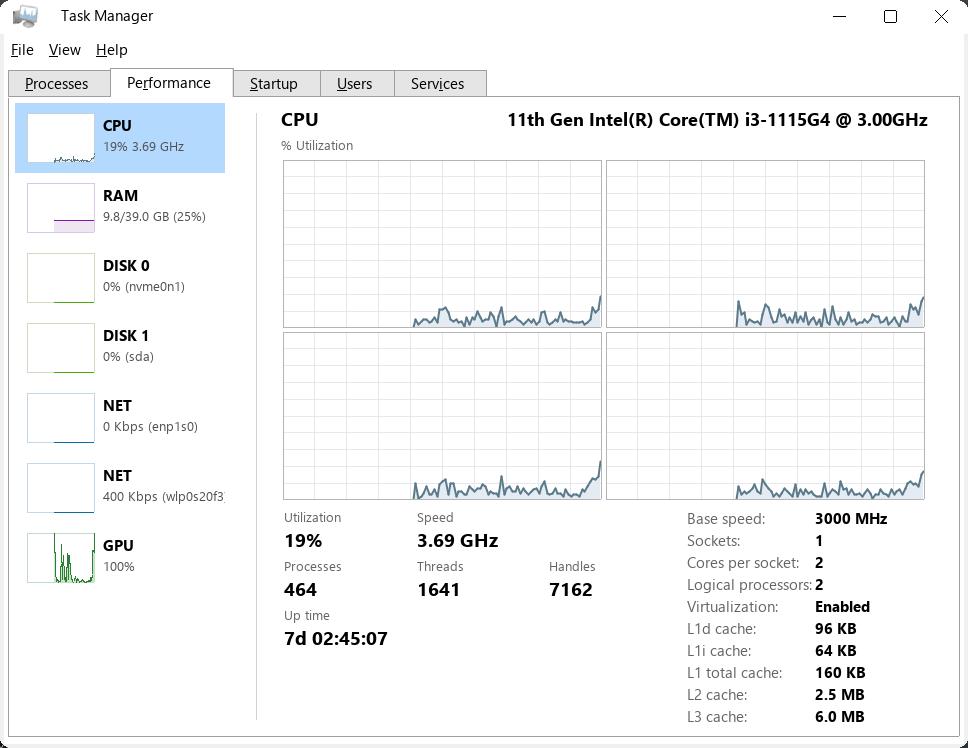
Performance CPU
Performance Memory
Performance Disk
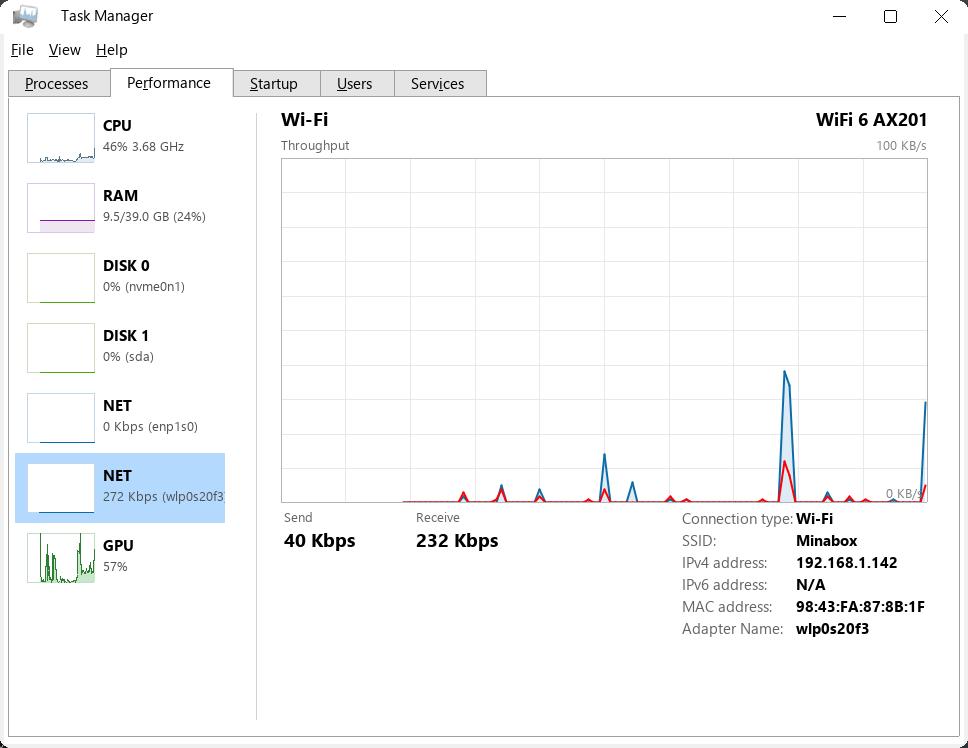
Performance Network
Startup Tab
Services Tab
Users Tab