Trinity Desktop (TDE)
Debian / Q4OS
Client-Side Encryption
TRsync v1.3.1
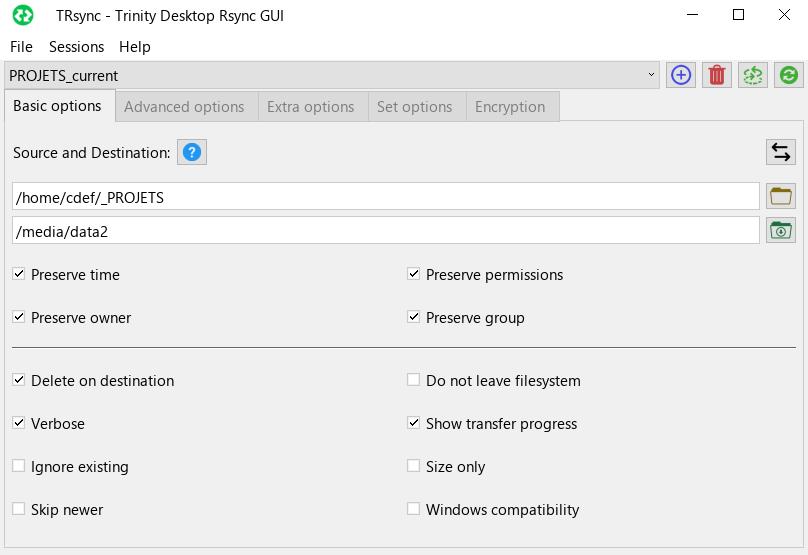
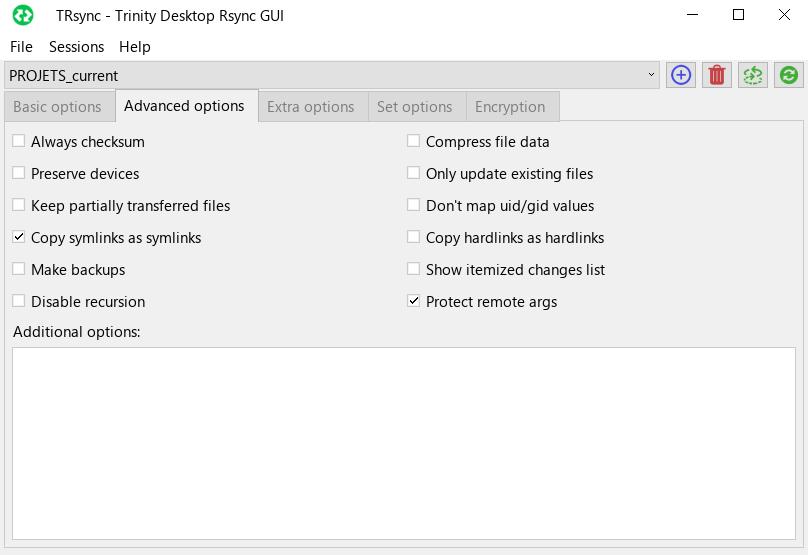
Native TQt3 GUI for Rsync & FUSE Encryption (gocryptfs / EncFS) with decoupled high-performance logging.
Automated APT Repository Setup (Recommended)
Add the official repository to your Debian / Ubuntu / Q4OS system to receive automatic updates:
echo "deb [trusted=yes] https://seb3773.github.io/TRsync/ stable main" | sudo tee /etc/apt/sources.list.d/trsync.list
sudo apt update
sudo apt install trsync
Direct Package Downloads
Prefer standalone packages? Download the appropriate format for your environment:
Debian Package (.deb)
Recommended
Standard dynamically linked build for Trinity Desktop / Debian-based systems.
Download .deb
Q4OS Installer (.qsi)
Q4OS 1-Click
Graphical one-click installer wizard designed specifically for Q4OS Trinity desktop.
Download .qsi* Note: The Q4OS installer (.qsi) automatically configures the APT repository during installation for future updates.
Key Capabilities & Architecture
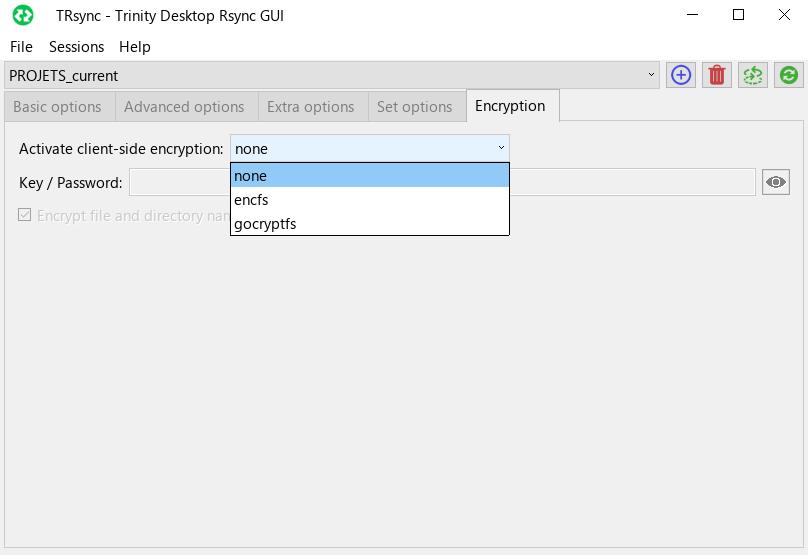
FUSE Client-Side Encryption
Seamless on-the-fly zero-knowledge encryption for backups using gocryptfs or EncFS with isolated configuration keys.
One-Click Restore & Swap
Smart swap toggle with dynamic orange visual indicator, automatic FUSE decryption mounting, and destination path reconstitution.
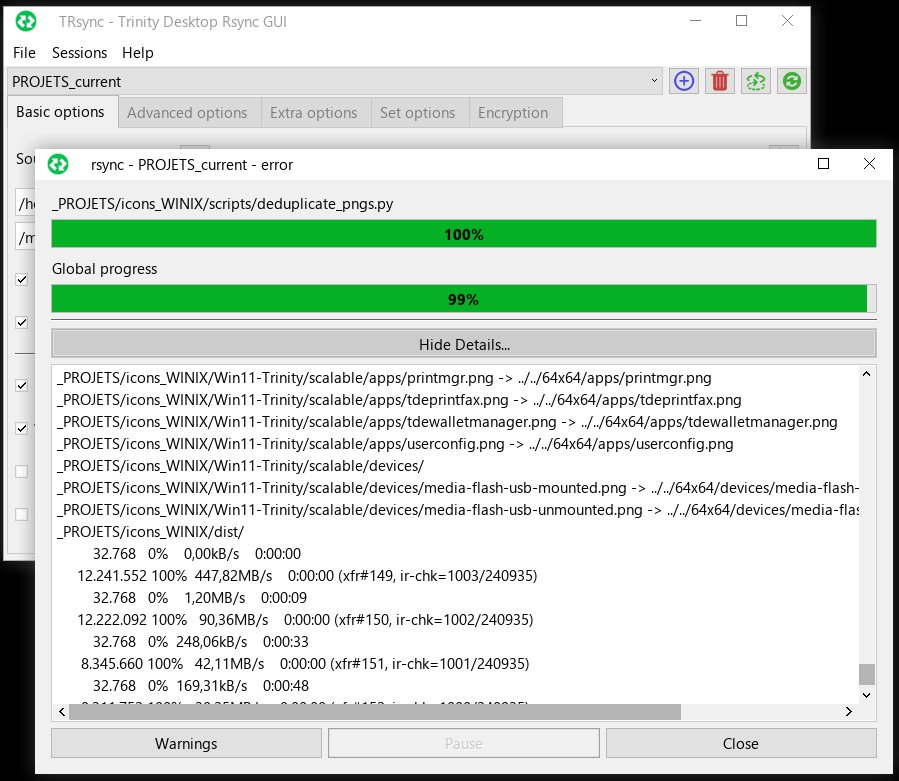
RAM-Decoupled Logging
Rsync output is buffered in RAM (
/dev/shm) and rendered in batches at 20Hz, preventing GUI lockups on heavy transfers.Simulation & Profile Sets
Full dry-run simulation mode, unlimited named session configurations, and batch execution sets.
Native Trinity Integration
Native TQt3 design with
tdesudo superuser elevation and size-optimized standalone binary (~163 KB).Custom Log Storage
Globally customizable log directory with automatic recursive path creation and coordinated preference controls.
Screenshots